
Shangling · Mobile Industrial Debugging & Data Management Platform
Shangling turns your phone into an industrial field debugger — connect directly to RS485 / Bluetooth to run Modbus debugging and device inspection on site, while device data is automatically collected and governed along the edge-to-cloud pipeline. Available on Android, HarmonyOS, and Windows.
 Scan to explore Shangling
Products & Services

Mobile Debugging (Shangling)
Shangling puts professional industrial debugging tools in your pocket: Modbus master with RTU / TCP dual mode, serial debugging and monitoring, and slave search — on Android and HarmonyOS. On-site troubleshooting turns from "walking back to the office for a laptop" into "taking out your phone".
Learn more
Data Services
A data foundation from devices to the cloud: MQTT edge collection, unified thing model and data resource planning, time-series storage and visual analytics — making multi-vendor device data searchable, alignable, and reusable.
Learn more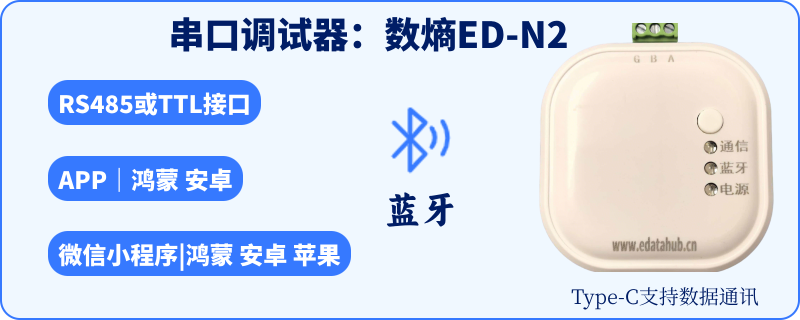
Hardware Products
Integrated hardware & software out of the box: ED-N2-RS485 / EC-N1-RS485 edge access and ED-SLink Bluetooth serial link, with product and custom-development documentation — buy directly on Taobao.
Use Cases
Device commissioning & acceptance
Verify a newly installed RS485 bus device by device: connect the gateway with a phone, scan out all online slaves with slave search, and check register readings via the Modbus master — acceptance done in minutes in front of the cabinet.
Field maintenance & bus diagnostics
No more guessing when communication drops: serial monitoring passively captures bus frames and locates wiring, baud-rate, or slave-offline faults at frame level — online devices stay unaffected and production continues during diagnosis.
Long-term device data retention
A record is created as soon as debugging ends: devices join the edge-to-cloud pipeline and operating data is archived under a unified thing model, laying the data foundation for energy-efficiency analysis and beyond.
Custom development, zero hardware R&D
Based on edatahub ED/EC hardware and the SDK, integrate phone debugging capabilities directly into your own app — zero hardware R&D, shortening time-to-market from months to weeks.
Compared with Traditional Debugging
| Dimension | Traditional PC + serial cable | Shangling solution |
|---|---|---|
| Setup | Install drivers, wire up USB-to-serial adapters, prepare cables | Install the Shangling app on a phone and connect — ready to go |
| Field mobility | Restricted by laptop position and cable length | Work anywhere — beside cabinets or on production lines |
| Bus diagnostics | Trial connections and experience-based guesswork | Slave search + serial monitoring for frame-level fault locating |
| Data retention | Screenshots, manual notes, scattered records | Every session creates records, archived in a unified thing model |
| Custom development | In-house hardware development measured in months | ED/EC hardware + SDK — integrate with zero hardware R&D |
| Handover & collaboration | Tools and records stay on personal computers | Data uploaded to the cloud, accessible from any device |
Customer Stories
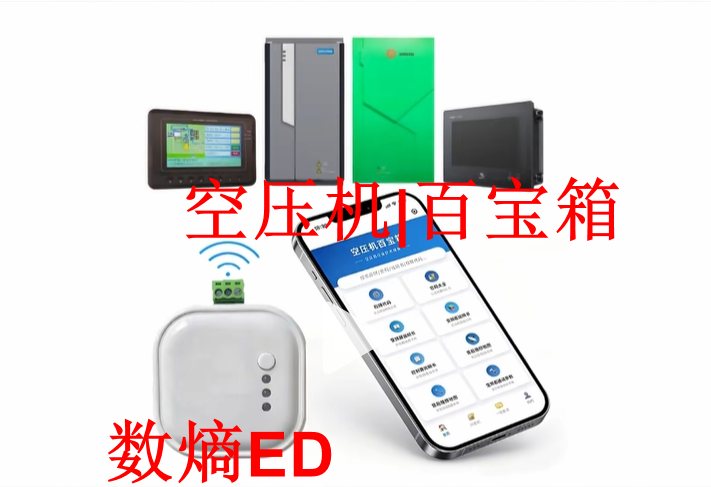
"Air Compressor Treasure Box" Mini-Program Smart O&M Case
Custom-developed on the edatahub ED Bluetooth serial debugger, the WeChat mini program "Air Compressor Treasure Box" delivers lightweight, fully authorized smart O&M for air compressors through wireless Bluetooth and mobile.
Read the caseUser Reviews
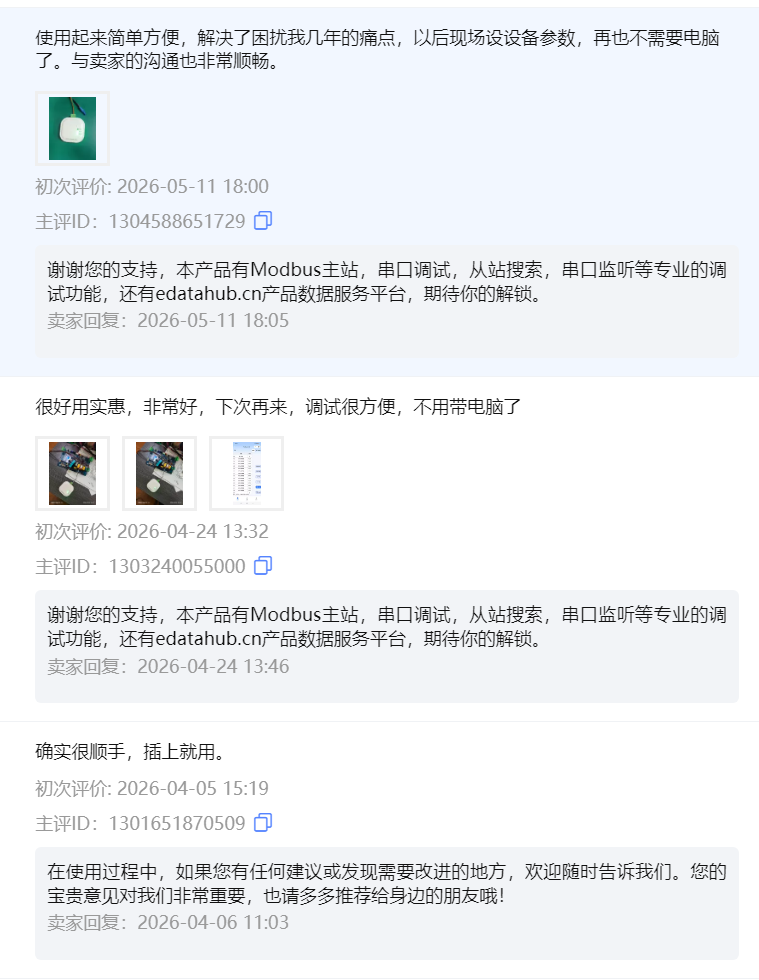
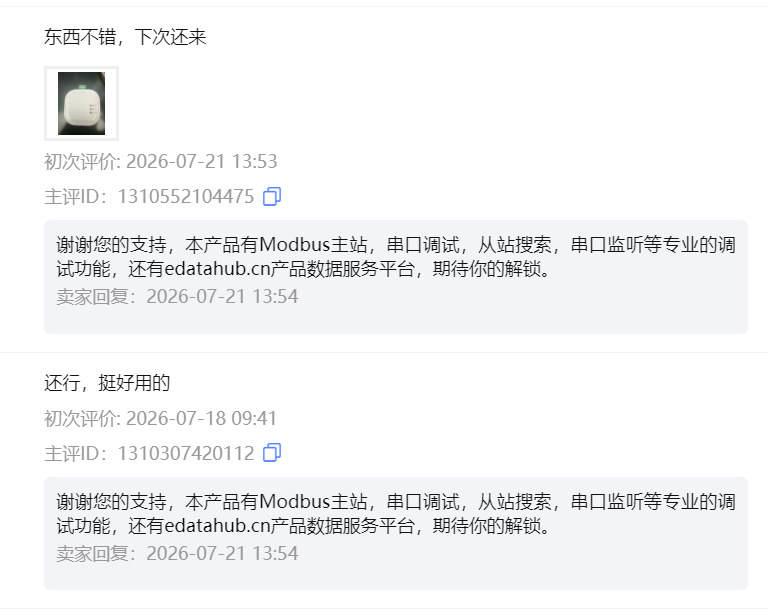
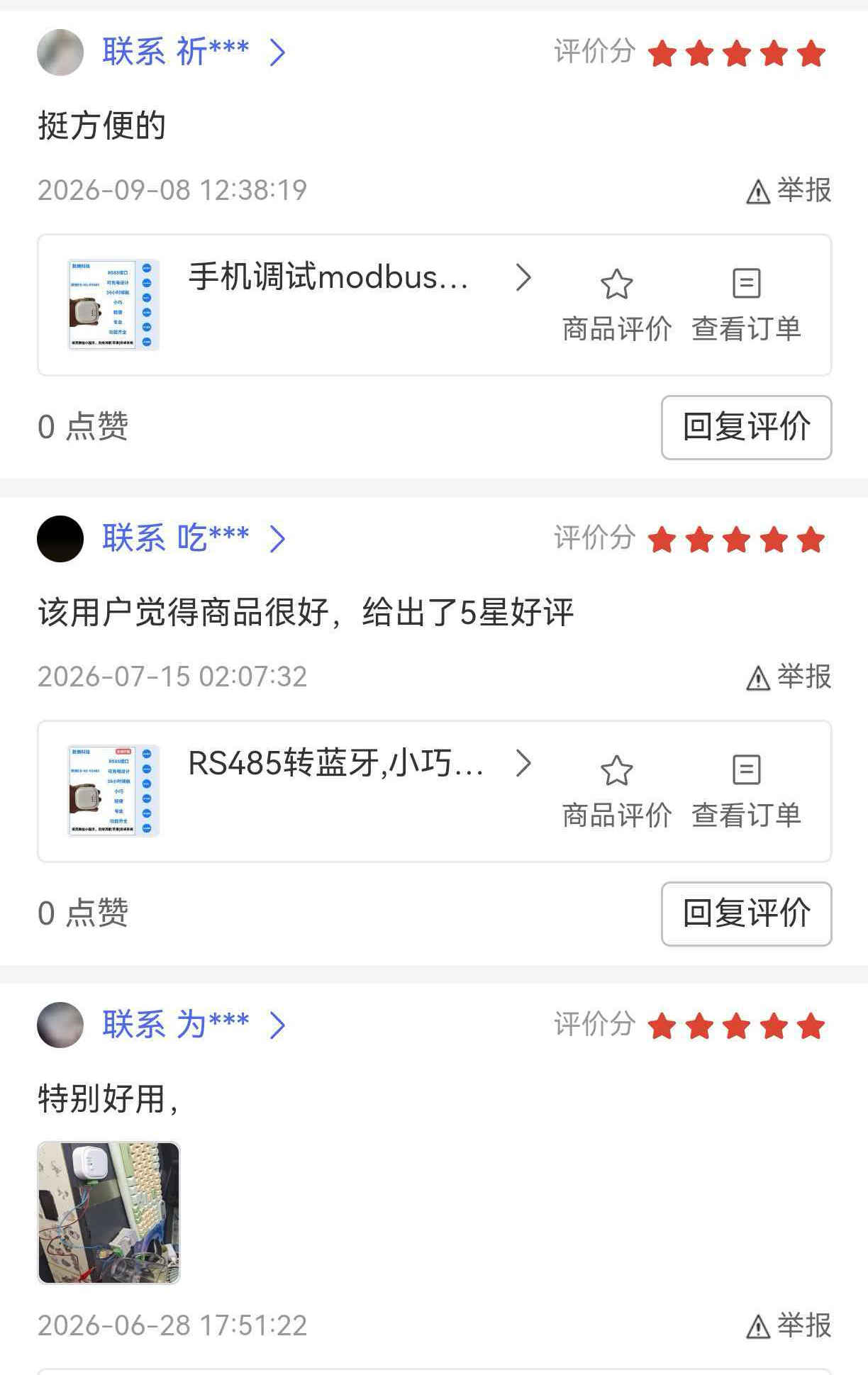
Positive feedback rate on the edatahub Taobao store: 100% — screenshots from the store review page (publicly displayed on the platform):


Key Advantages
PC-free workflow
A phone replaces the laptop and serial cable — carry the debugging toolkit with you and extend your working radius to any cabinet
Dual-platform coverage
Shangling for quick on-site tuning on mobile, sling for deep troubleshooting on desktop — covering the complete workflow from inspection to in-depth debugging
Long-term data reuse
Debugging data settles into standardized assets along the edge-to-cloud pipeline, instead of being scattered across screenshots of individual sessions
Out of the box
ED/EC hardware, software tools, and documentation delivered together — custom development with zero hardware R&D
FAQ
Can RS485 devices be debugged without a computer?
Yes. Connect your phone to the edatahub ED gateway to complete slave search, register read/write, and inspection.
Which protocols and platforms does Shangling support?
Modbus RTU / TCP dual mode; available on Android, HarmonyOS, and Windows (desktop sling).
Which hardware models are available?
ED-N2-RS485, EC-N1-RS485, and ED-SLink, with complete product and custom-development documentation.
How do I purchase?
Buy directly from the edatahub store on Taobao.
Can device vendors integrate the debugging capability into their own apps?
Yes — based on the custom-development documentation and SDK, with zero hardware R&D.
How is device data managed?
Uploaded along the edge-to-cloud pipeline and archived under a unified thing model, supporting historical query and data sharing.
Get Started
Start from your first Modbus command and complete phone debugging in 10 minutes. Shop edatahub ED/EC hardware on the Taobao store, download the Shangling app and the desktop sling; check the product and custom-development documentation to integrate phone debugging into your own app. For data resource planning and data circulation solutions, feel free to contact us.